Player
Play saimox files, import them, and watch the scene in 3D. No account, no payment details, no expiry. Playback is never capped, whatever the file contains.
Download
One application, one download. Fourteen days at full scope, and after that it keeps playing whatever you made — free, with no account and no expiry.
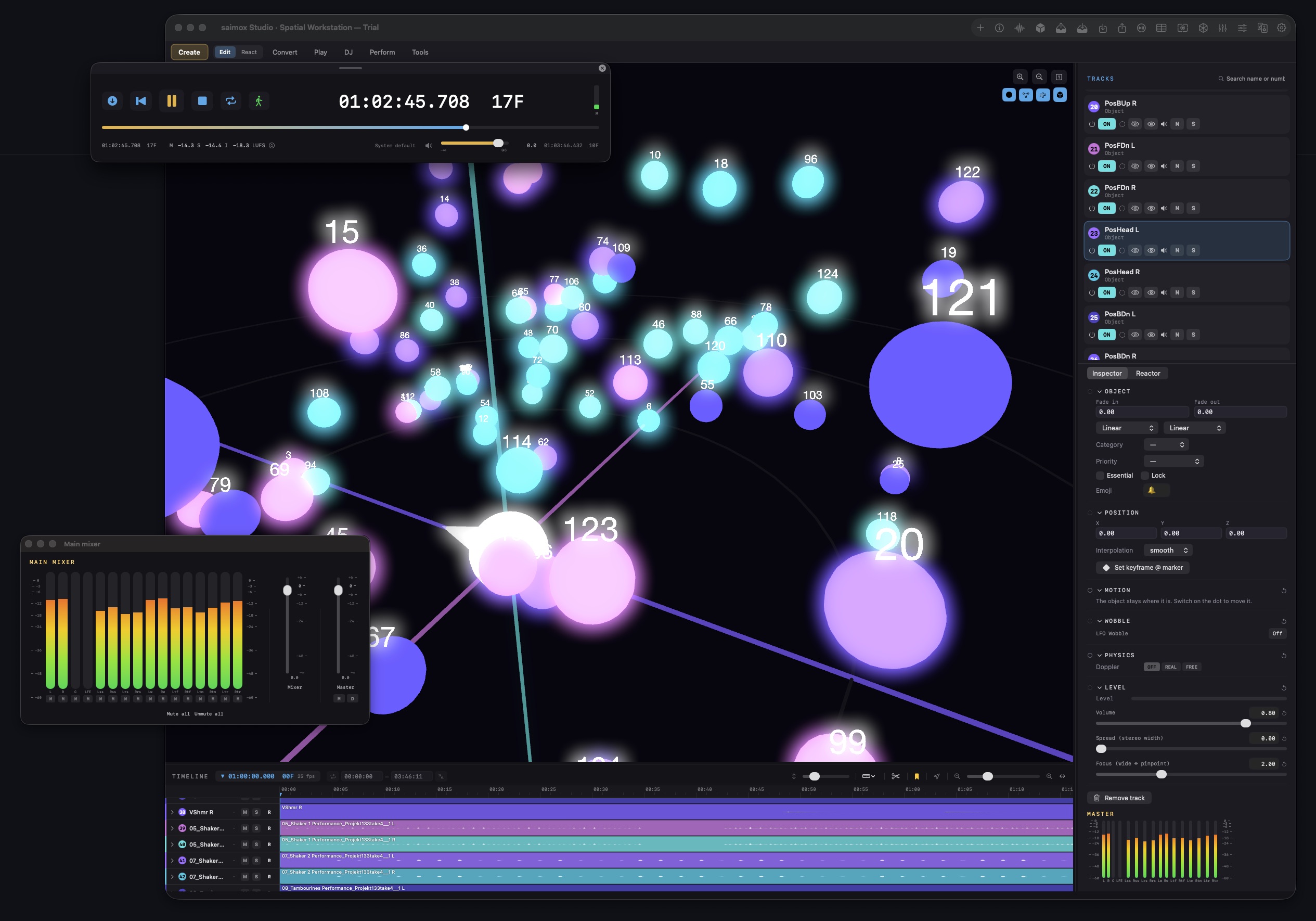
The full authoring tool. Fourteen days, no card, no account, no sign-up form — long enough to finish a real project and find out whether it fits your work.
Play saimox files, import them, and watch the scene in 3D. No account, no payment details, no expiry. Playback is never capped, whatever the file contains.
Everything the paid tool does — authoring, patterns, triggers, rig, every export target. Bound to the machine rather than an account, so no sign-up is needed.
One application, one download. What you can do inside it depends on the licence, not on which installer you picked.
Updates
The application checks for updates itself and says so when one is out. Nothing installs behind your back, and nothing nags — you decide when.
Before you install
| Requirement | Minimum | Recommended |
|---|---|---|
| Operating system | macOS 14 Sonoma | macOS 15 or newer |
| Processor | Apple silicon (M1) | Apple silicon (M2 Pro or better) |
| Memory | 8 GB | 16 GB or more for large object counts |
| Disk | 2 GB free | SSD with room for uncompressed audio |
| Audio interface | Any Core Audio device | Multichannel interface matching your rig |
| Speaker layout | Headphones (binaural monitoring) | 7.1.4, 9.1.6 or a custom rig |
| Internet | For activation only | For activation only |
The application is signed with a Developer ID and notarised by Apple. It is distributed directly rather than through the App Store, so you install it by dragging it into Applications like any other professional audio tool.
Questions
The ones that decide whether it is worth your fourteen days. If yours is not here, write to us.
What you need, and what you have been told you need.
Binaural monitoring over headphones is a real authoring path here, not a downgrade, and a rig of any geometry works for checking. There is no certification gate anywhere in the tool — that was always a business decision, not an acoustic one.
Any Core Audio device works. Channel routing is configured per rig in plain JSON, so unusual channel counts and orders are a configuration question rather than a compatibility one.
Run the built-in system check once it is installed: it measures your interface latency, your disk throughput and how many objects your machine will carry before it stutters.
Authoring is macOS, and that is a choice rather than a shortfall. Core Audio handles high channel counts without a detour, the driver situation is predictable, and Apple silicon renders hundreds of objects on a laptop. Building for one platform properly beats building for three badly.
Playback is another matter entirely. A piece authored on a Mac plays on iOS, in any browser and on Android next — none of which needs a licence or an account.
What to expect on the way in.
That message appears when the download was interrupted or the file was altered in transit. Do not override the warning — a correctly downloaded build is signed with a Developer ID and notarised by Apple, and opens without a prompt.
If it happens twice on a good connection, write to us. That is worth knowing about.
Objects come in as objects, with their positions and movement intact, ready to keep editing. An ADM master round-trips losslessly — in and back out is identical, and that is tested on every build rather than assumed.
After fourteen days the application continues in Player mode. Everything you made stays open and stays playable; editing is what needs a licence. Nothing is deleted and nothing expires.
Entering a key later turns the same installation into a full licence — nothing is reinstalled and no work is lost.
Write to hello@saimox.com. Every report gets read by the person who wrote the code, which is currently one person — so a clear description beats a long one.
The system check writes a report you can attach. It saves both of us a round trip.